Custom CRM development
Custom CRM Software Development
Bring customer records, leads, sales pipelines and team workflows together in CRM software built around how your business operates.
We develop and extend CRM systems that help teams organize customer information, manage opportunities, coordinate follow-ups and connect communication across their tools.
The challenge
Customer relationships are harder to manage when information is scattered.
When contact details, conversations, sales opportunities and follow-up tasks live across different tools, teams can lose a clear view of each customer relationship.
-
Fragmented customer records
Customer details may be spread across spreadsheets, inboxes and internal systems without a consistent shared record.
-
Unclear sales pipelines
Teams may struggle to understand which opportunities are active, who owns them and what should happen next.
-
Missed follow-ups
Without structured tasks and communication history, important customer interactions can become difficult to track.
-
Rigid software workflows
Off-the-shelf CRM configurations may not reflect specialized approval processes, customer types or internal operating rules.
CRM capabilities
A CRM designed around your customers and workflows.
The right CRM depends on your customer relationships, sales process, team structure and existing tools. We build the components needed to support those workflows.
-
Contacts & Customer Records
Maintain structured customer and company information, contact details, relevant history and custom fields.
- Contact records
- Companies and accounts
- Custom customer fields
-
Leads & Sales Pipelines
Track leads and opportunities through configurable stages, ownership rules and sales workflows.
- Lead tracking
- Opportunity stages
- Pipeline ownership
-
Activities & Follow-Ups
Organize tasks, meetings, notes, reminders and relevant customer interactions in one connected workflow.
- Follow-up tasks
- Activity history
- Reminders and notes
-
Communication Integrations
Connect supported email, messaging, calling or customer-contact tools so relevant interactions can be associated with customer records.
- Email integration
- Messaging connections
- Communication history
-
Workflow Automation & Permissions
Automate supported CRM processes and give teams access according to their roles, responsibilities and business rules.
- Assignment rules
- Workflow triggers
- Role-based permissions
-
Dashboards, Reporting & Integrations
Build CRM reporting and connect customer-related information with compatible business applications and operational systems.
- Sales pipeline reports
- Activity dashboards
- Business-system integrations
From lead to customer
A clearer path through every customer interaction.
A connected CRM workflow helps teams organize incoming inquiries, qualify opportunities, coordinate next actions and preserve relevant customer history.
-
Capture inquiry
A new lead enters through a connected form, sales channel or authorized internal process.
-
Create record
The CRM associates contact information with an existing record or creates a new one according to defined rules.
-
Qualify opportunity
Teams review the lead, capture relevant requirements and determine the appropriate next stage.
-
Assign & follow up
An opportunity is assigned to an authorized team member and relevant tasks or communication actions are scheduled.
-
Update pipeline
Sales activities and outcomes move the opportunity through the configured pipeline.
Opportunity outcome
- Won: continue customer workflow
- Lost: retain permitted history
- On hold: schedule review
-
Maintain relationship
Relevant customer history and permitted follow-up activities remain available after the opportunity's outcome is recorded.
Pipeline stages, communication channels and automation rules are configured around the business and its actual CRM requirements.
Engineering the CRM
Customer data needs structure, security and clear ownership.
A CRM must coordinate records, activities, permissions and integrations without losing track of data quality or the responsibilities of different teams.
-
Data models & relationships
Contacts, companies, opportunities, activities and custom entities need relationships that reflect actual business processes.
-
Access control & privacy
Customer information should be accessible only to authorized roles, with appropriate handling of sensitive records and permitted activities.
-
Duplicate records & data quality
Imports, forms and integrations may create overlapping records, requiring appropriate matching, validation and review processes.
-
Integrations & event handling
Email, messaging, sales and operational systems may provide events and updates at different times, requiring careful synchronization and failure handling.
How we can help
Build the CRM you need — without unnecessary complexity.
-
Develop a custom CRM
Build a CRM around your customer records, opportunity stages, internal processes, permissions and reporting needs.
-
Extend an existing CRM
Develop supported integrations, custom workflows, interfaces or extensions within an existing CRM environment.
-
Modernize customer management
Improve disconnected customer records and workflows through targeted software development, data migration or system integration.
The right approach depends on existing software, team requirements, customer data and integration constraints.
Relevant experience
Experience building connected business applications.
Our work includes custom applications, operational workflows and software integrations relevant to complex customer-management systems.
-
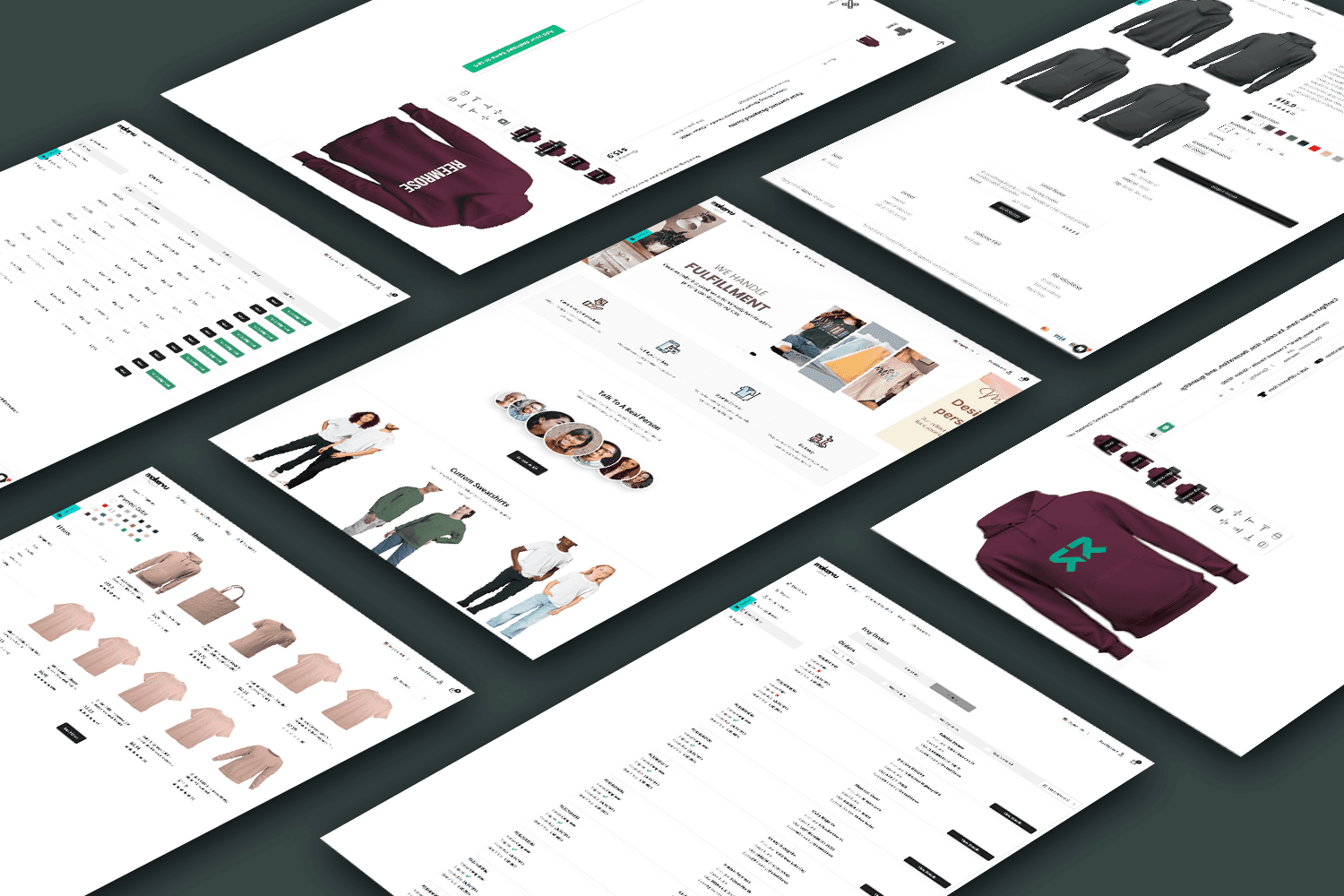
MakerVu
An operational platform for managing orders and internal workflows, reducing the need to coordinate everything through disconnected tools.
Related
The engineering behind your CRM.
Explore related solutions.
Frequently asked questions
Can you build a completely custom CRM system?
Yes. We can develop CRM software for customer records, lead management, sales pipelines, follow-up workflows, team permissions and relevant integrations. The exact functionality depends on your business requirements.
Can the CRM match our existing sales process?
Yes. Pipeline stages, opportunity fields, assignments and supported workflows can be designed around your current process or an agreed improved workflow.
Can you connect our CRM to email, WhatsApp or other communication tools?
We can assess integration with compatible email, messaging and calling services. Available functionality depends on provider APIs, account permissions and applicable platform requirements.
Can we migrate data from spreadsheets or an existing CRM?
Data migration can be included following a review of source formats, field mappings, data quality, access permissions and the target system.
Can different teams have different access permissions?
Yes. We can design role-based access controls and appropriate data visibility rules for teams, departments and permitted users.
How much does custom CRM development cost?
Cost depends on the data model, number of users, workflows, integrations, migration needs and reporting requirements. We define the scope before preparing a project-specific proposal.
Let's build your CRM
Need a CRM that fits how your team works?
Tell us about your customers, sales process, existing tools and team workflows. We'll help you explore the right CRM architecture and development approach.